※本記事はアフィリエイト広告を含みます。
■ 目的
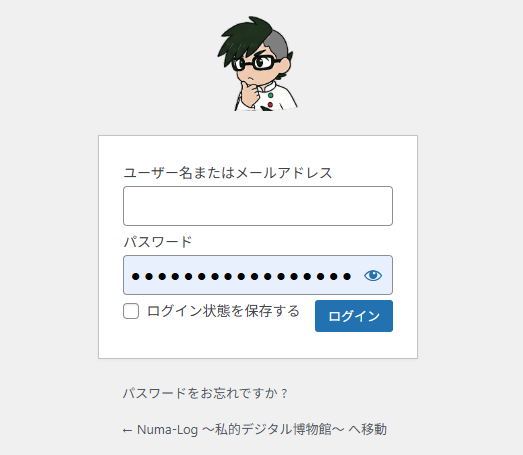
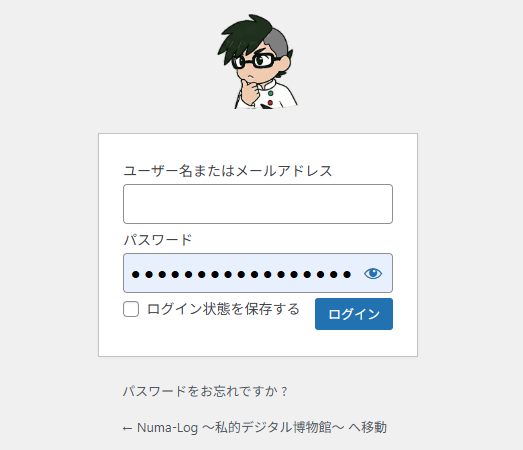
WordPressのログイン画面のロゴ画像を独自の自社ロゴ等に変更し、オリジナリティを反映させる。
■ 実装コード:functions.phpの末尾に追記
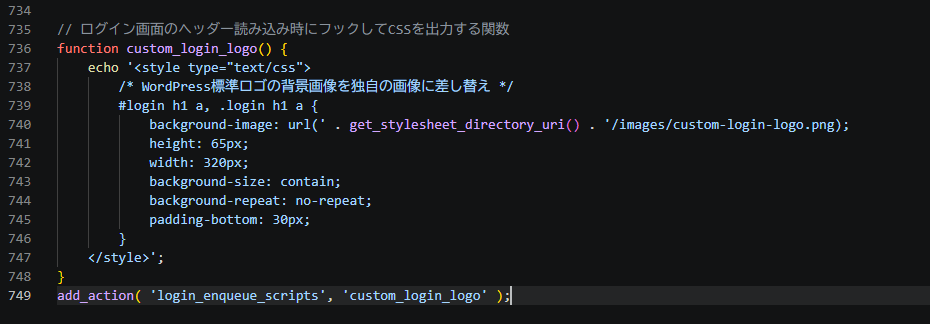
// ログイン画面のヘッダー読み込み時にフックしてCSSを出力する関数
function custom_login_logo() {
    // get_stylesheet_directory_uri() は現在有効なテーマ(子テーマ含む)のディレクトリURLを動的に取得する標準関数
    echo '<style type="text/css">
        #login h1 a, .login h1 a {
            background-image: url(' . get_stylesheet_directory_uri() . '/images/custom-login-logo.png);
            height: 65px;
            width: 320px;
            background-size: contain;
            background-repeat: no-repeat;
            padding-bottom: 30px;
        }
    </style>';
}
add_action( 'login_enqueue_scripts', 'custom_login_logo' );
Before
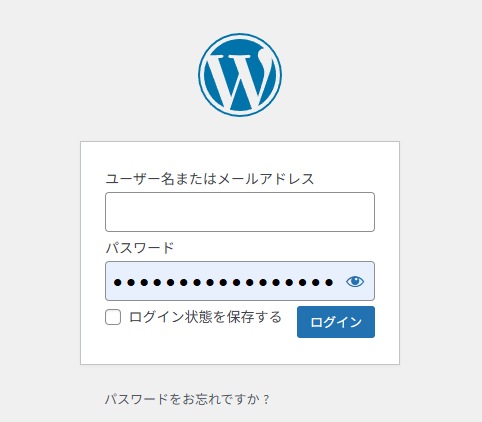
After